All posts by Annette.Haworth

Text-free book

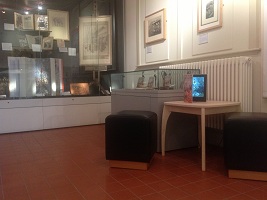
Project dates: October 2012 – April 2013 Original artwork by C.A Tunnicliffe RA for the Ladybird series was scanned.Visitors can sit to look through them on the iPad, tapping the animals to hear their sounds. We have also recorded the text on the exhibition’s posters which visitors can hear by tapping. Thanks to the University of Reading Special Collections and to the Ladybird publishers (Penguin) for permission to use the images.  
holybrook and abbey arch Reading

iMuse in Reading

Project dates: January-August 2012 You can look at the imuse in Reading initial project description here. This Project worked in partnership with the Museum of English Rural Life with funding support from the Cultural Partnership, Reading Borough Council, the Vodafone Foundation and the Foyle Foundation. In a variety of events, from a Young Farmers’ fair to half-term activities, 600 people of all ages and ability used mobile devices trying various ways of accessing their heritage, from Tweet a Sheep to an Olympic trail. theculturalpartnership

We blogged as we went along.


Hanging out in the MERL


At Half-term, June 2012, we are just hanging around in the Museum of English Rural Life with iPads, Berkshire Farmer Books and the iMuse trolley. Visitors are trying bits of the trail, with labels fastened with soft tape to objects, QR codes and (a selected few) Widgit symbols, videos showing stuff working, extracts of the story being read, photos from the archives.

Children are borrowing the iPads to draw and take photos (and transform them optically). We’ve tweeted some as an easy way to save them. Interesting that we got a drawing of a ‘Tractor at Night’ – good to see an understanding of modern farming techniques in an 8 year old, though the ‘Farmer Pirates’ treasure map was an interesting mix of themes!

A family watched the video from the Amners Farm Lambing Sunday – though some turned away during the actual birth, one raised the subject of stillbirth which showed an encouraging understanding of the sometimes grim reality.

We also showed the Olympics Trail – the animations [story lines from two Reading schools as part of the Cultural Olympiad] went down very well, and did lead to discussion on javelin throwing and Greek boxing. Young children knew more about the street dancing moves than iMuse. Also brief iMuse visit to the Ure Museum of Greek Archaeology, Reading, revealed that the animator has now published the full thing which is great news. See Ure View Animating Ancient Greece on Youtube

MERL has a very relaxed area with toys, a rug to play on and comfortable seats. It’s a natural place to sit showing stuff on mobiles like the iPads with people dipping in to look at stuff or draw or talk. Not all museums have this though. iMuse will have to think about what/whether it could do in a more formal place.

Village Fete coming up 9 June. iMuse will report it here.

Olympic trail


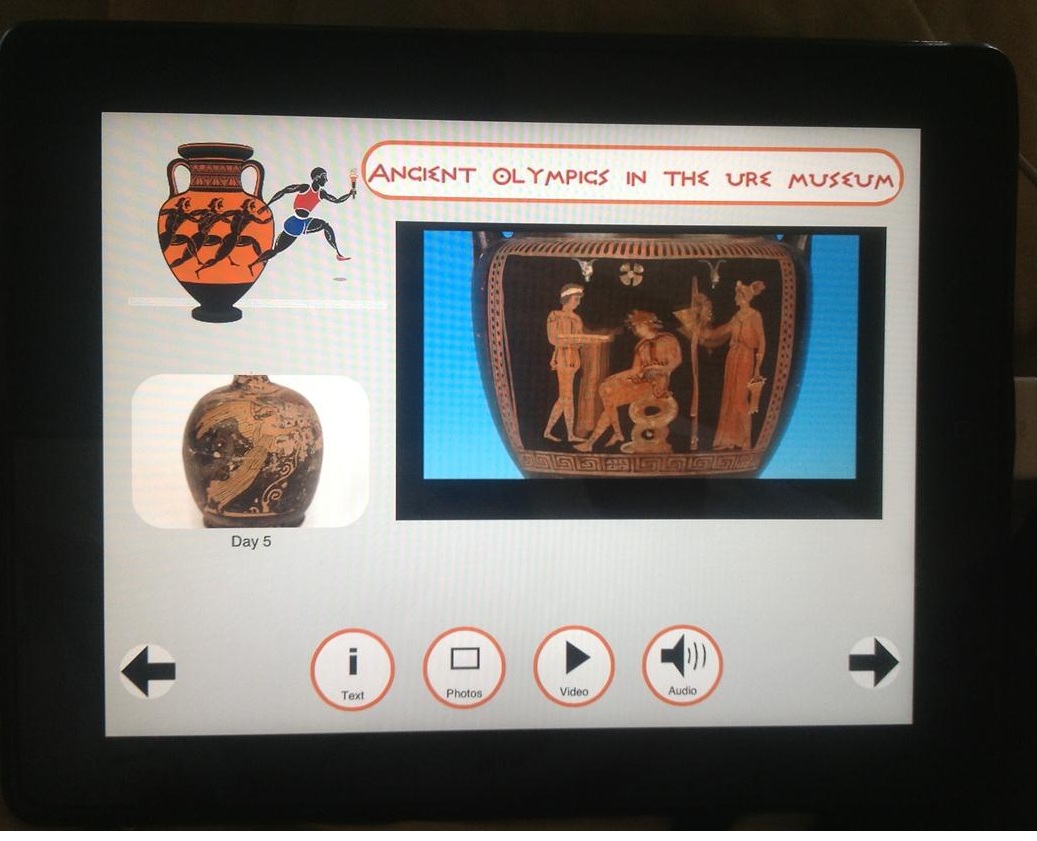
We are working on a 5-stop (one for each day of the Ancient Olympics) trail in the Ure Museum of Classical Archaeology. Each stop will have one object associated with a particular day.

Material has been gathered from the Open University’s excellent Openlearn Olympics information.

Some of the same problems as in the Berkshire Farmer trail have been encountered, plus the added wrinkle that Openlearn uses Flash for its animations so we are unable to show these on an iPad.

Our urge to try a more ‘industry standards’ compliant tablet is great, but we probably do not have the manpower to support another tablet, and the iPad accessibility options are otherwise good.

We have been able to use the animations from the Reading schools/animator/Ure cultural olympiad project in the iPad version being tried over half term in the Ure Museum. The animator and the Museum have granted permission to use elsewhere but we await permission from funders (?) as use on other mobile devices would require publishing.


Berkshire farmer trail


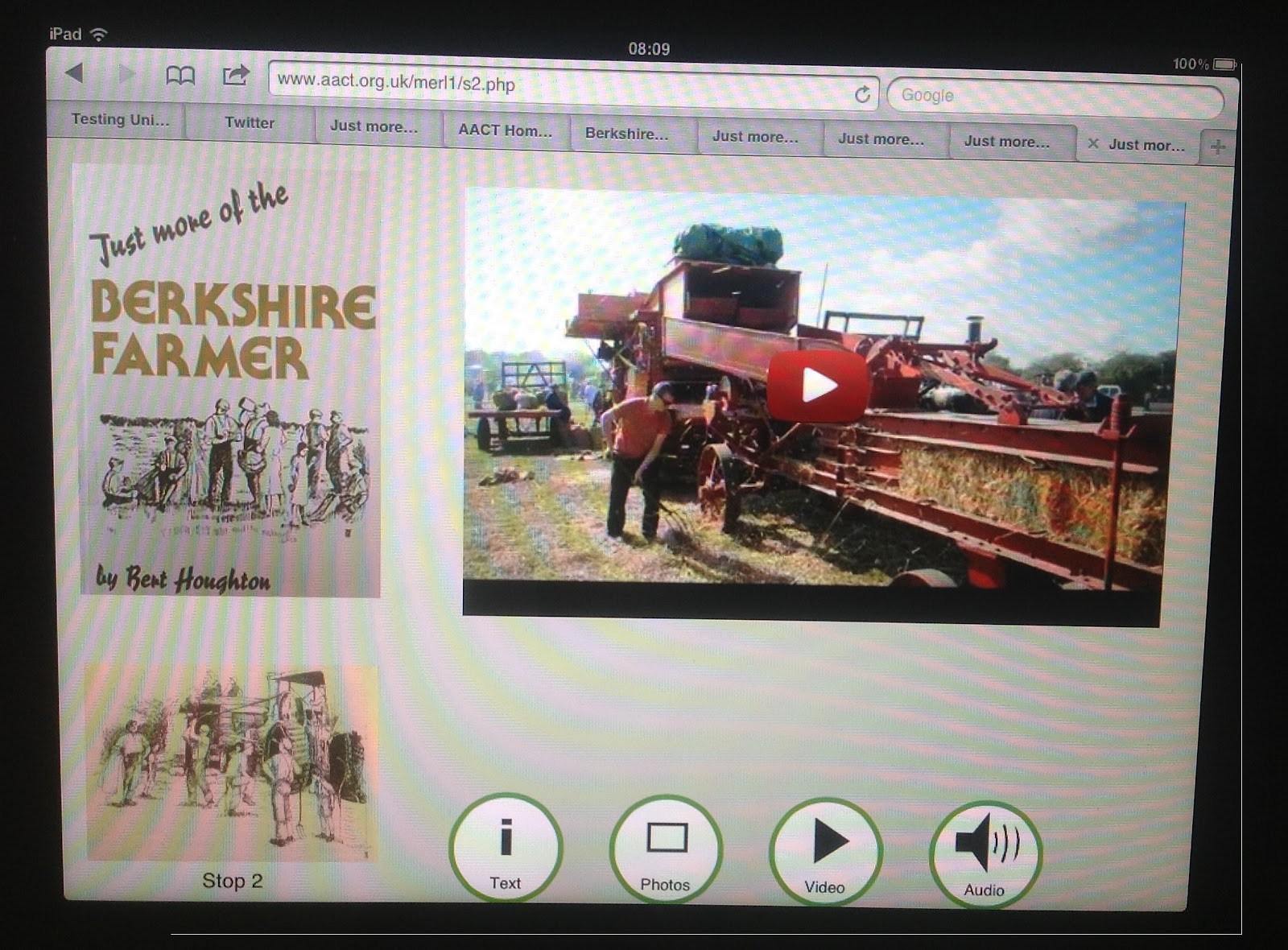
Labels with QR codes and Widgit symbols are now tied to various objects in the Museum of English Rural Life with (soft) tape supplied by the Museum Conservator. We’ve started to let visitors try it for themselves on our iPad-on-a-trolley.

Video, especially of the thresher, was popular yesterday, as was breaking out to draw corn and ‘countryside’ on the iPad and take transformed photos.

Maybe the trail should take the visitor straight to a video clip before offering other options?

Some visitors who are not iPad-users find the concept of ‘tap’ [the buttons] don’t ‘push’ (as you would with an ordinary button) difficult. Not being able to play a video as soon as a QR code is scanned (for example) is nasty and seems to be an iPad ‘quirk’ which has no (believable-rational) explanation. The Kiosk Pro app has been useful to run demos of the trail where no wi-fi or wireless signal is available (especially good for Country Fayre in a marquee) but of course we need a signal when, say, a Youtube video forms part of the trail. If the iPad is online, the app is not ‘allowed’ (?) to use the camera.

Odd ‘features’ like this make it difficult to produce a really sound (ergonomically) ‘webapp’. It may just be impossible to have a perfect solution for loaned-out iPads. The situation is different with the users’ own devices of course – they will know how to tap/scroll etc and the museum will not have to worry about the visitors accessing other sites on the web – it will be up to the visitor.

We have two versions of the ‘app’. One for each stop on the trail, intended for use by a visitor standing in front of an object, and with access to the QR code. The other which can be used ‘standalone’ with arrow keys to take you from one stop to the next.

Not just a Berkshire Farmer trail

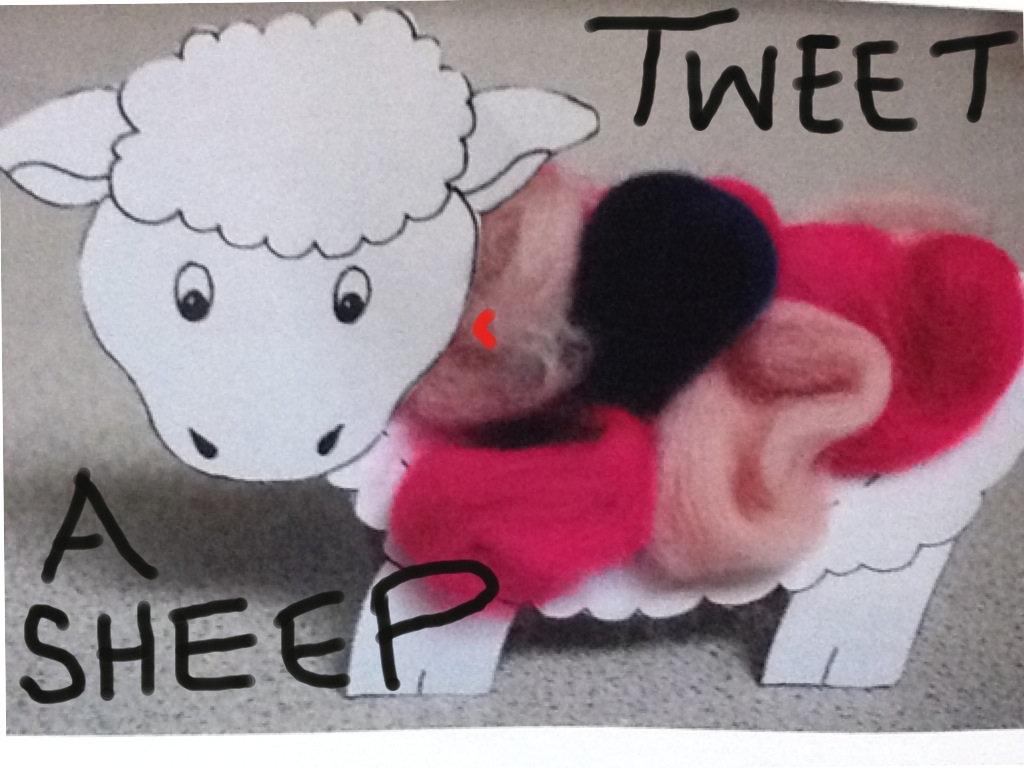
Tweet a sheep


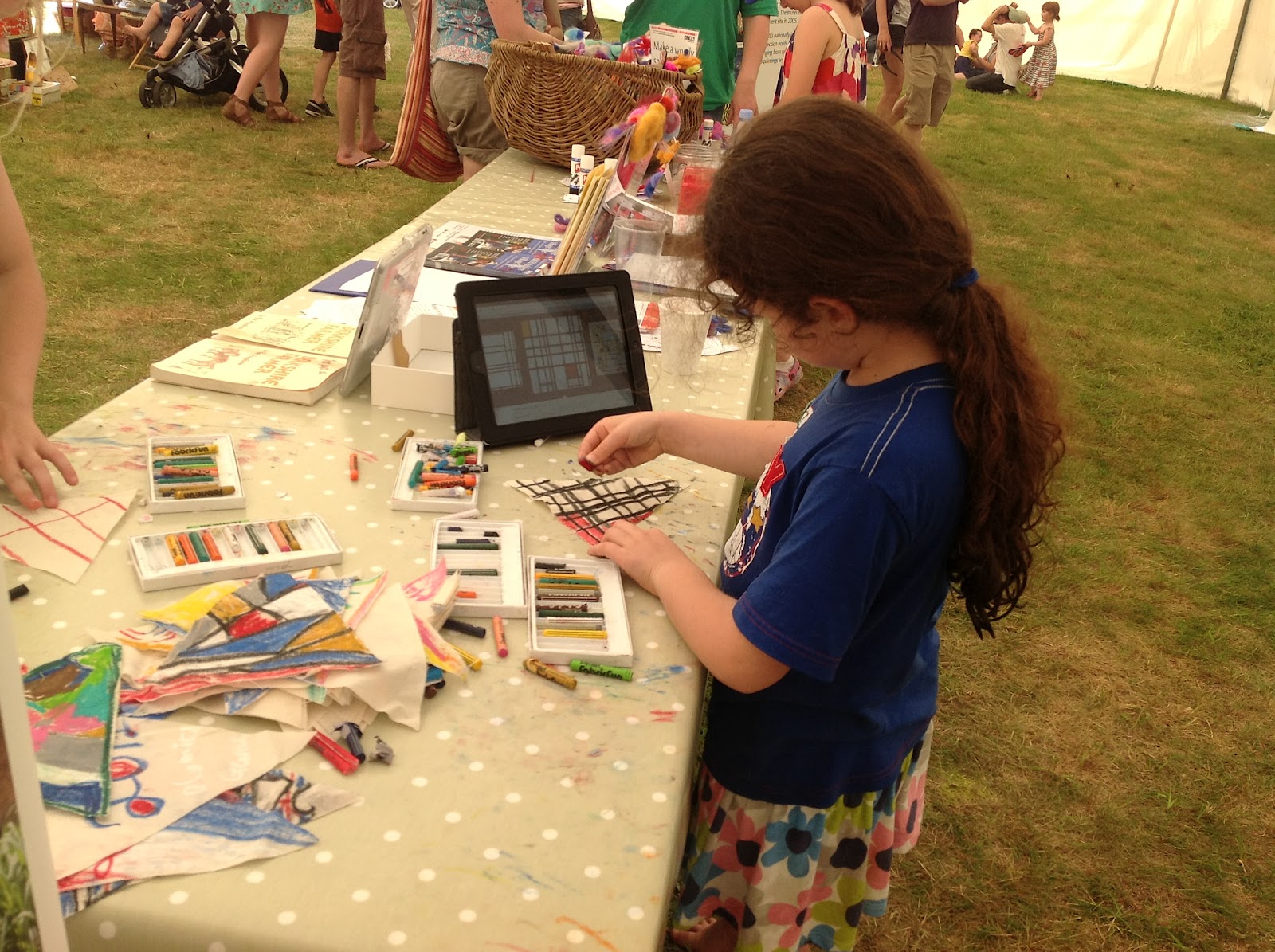
Mondrian-on-iPad inspiring bunting design for MERL Fete, 9 June, Reading
More sheep tweeted from the Young Farmers’ Club Berkshire Country Show, Englefield Estate, Nr Reading, 27 May 2012. And our intrepid iPad-wearing camera team took these photos:

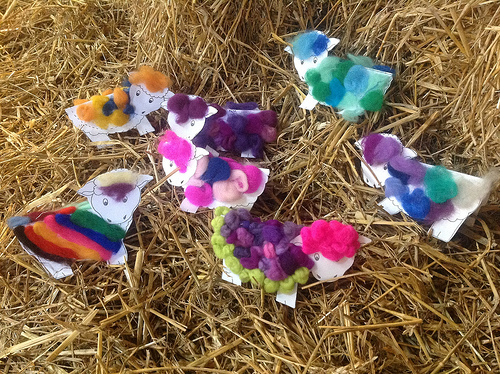
Visitors to MERL’s stand at Lambing Sunday, Amner’s Farm, near Reading, Berkshire, UK, 29 April 2012 made their own sheep and took photos of real ones, and some very new lambs, with iMuse iPads.

Make-a-sheep flock

We tweeted some @imuse_programme and put them in our sheep gallery alongside other pictures from the MERL.
See Tweet-a-Sheep’s set of photos on Flickr.


See Loren’s photos of lambs here.
And we made a video of a lamb being born.


And here it is being watched – MERL and iMuse ‘Cultivating knowledge’!

More experiences with touch screens and QR codes

We’ve found that some people can have difficulty making touchscreens work. There can also be problems with lining-up the camera  on a smartphone or iPad with a QRcode. A previous blog, http://imusenews.blogspot.co.uk/2012/02/initial-experiences-with-touch-screens.html, described these problems. We have a bit more experience, from both visitors and volunteers/staff at our iMuse partner museum and from more elderly and partially-sighted (potential) users elsewhere.
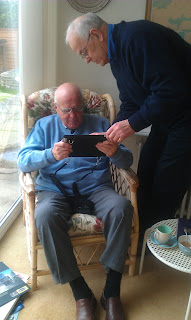
First, on the touchscreen, it seems some people just do not have whatever the right ‘chemistry’ or whatever is needed on their fingertips to get a screen to react. Here is a 92 year old, who can see well enough to touch an icon on an iPad 2, and who is proficient with similar manual tasks such as typing. Despite help, the iPad just did not react at all to his touch. Interestingly, an attempt on a subsequent visit, this time with the new iPad, presented no problems at all and touching, swiping and pinching were all fine. A staff member at the museum described a similar touch problem with an iPhone, which would not react at all. However, trying our new iPad was fine. Now, they had just come from a shopping trip during which they’d tried out some hand creams. Pure speculation, but is there a connection? One of our volunteers (who wishes to remain anonymous due to this unsavoury habit) confesses to licking her fingers before using a screen that isn’t reacting (and sometimes feels this helps also on a laptop tablet-mouse). Is this real or the start of a new urban myth? What about the weather? Is a very dry day unhelpful? A museum volunteer just could not get a ‘touch’ on the iPad to work but there could be a reaction to movement – the whole screen in an application shifting. This can be disturbing for people not used to it –  they can even think they have ‘broken’ something. We have had this ‘fear’ reaction also from someone in their 70s who is a long standing computer-user, but used to the more mechanical ‘feel’ and reaction of a keyboard and mouse-click.
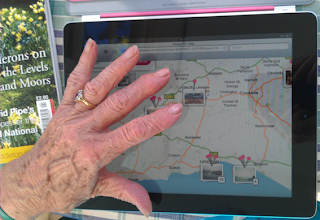
Earlier, we found another 92-year old felt reasonably comfortable with trying out Historypin (which involves touching a map) on an iPad 2, saying she ‘would enjoy doing this’, but again there could be unexpected movement as the user leaves their finger on the screen, or inadvertently touches it, for example while passing the iPad to a companion. For now, we are locking the screen in the trial ‘apps’ but this isn’t ideal as some of the usefulness of the iPad (e.g. pinching to increase the size of photos to see more detail of a museum object, or as an aid to those with failing sight) is lost. The iPad can also be awkward, and rather heavy for someone with weak wrists to hold. Without any sort of extra case it can feel a bit hard and ‘slippery’. We also found during the Project Berkshire experience in the shopping mall that some people preferred to use the iPad mounted in a box to do the drawing activity, somehow maybe it felt more ‘secure’? For its use as a QRcode reader, mounted for example on our trolley for a museum visitor to wheel around (http://imusenews.blogspot.co.uk/2012/02/great-reading-cheese-mystery-part-4.html) we have been thinking of moving from the amateur-looking sticky tape and cardboard box to a custom-built wooden box [as befits a Rural Life museum]. This would however increase the weight which may not help more frail users when using it say at home. This is a consideration for our new project, using the iPad and music, where the iPad will be used in partially or totally ‘uncontrolled’ environments in a care home or in the user’s own home. Perhaps again, using it on an adjustable trolley/table rather than handheld might be the way forward? It would give the user one less thing to worry about. Have other projects had experience with this elsewhere? Using the iPad in a box with QRcodes on movable labels has proved extremely reliable for all visitors to our mini trails. In fact, children enjoyed having to control sliding the label under the camera until the iPad ‘beeped’ and put them online. However, for a partially-sighted user who tried out the box, this lining-up proved a bit problematic, and we have not yet had any user with more difficulties with hand-control try it. Our idea at the moment is to use reasonably thick card for the labels, to give stiffness, and to provide some sort of raised guide rails to help line up the label as it is slid into the box. We’ll do some further testing with users and report back!